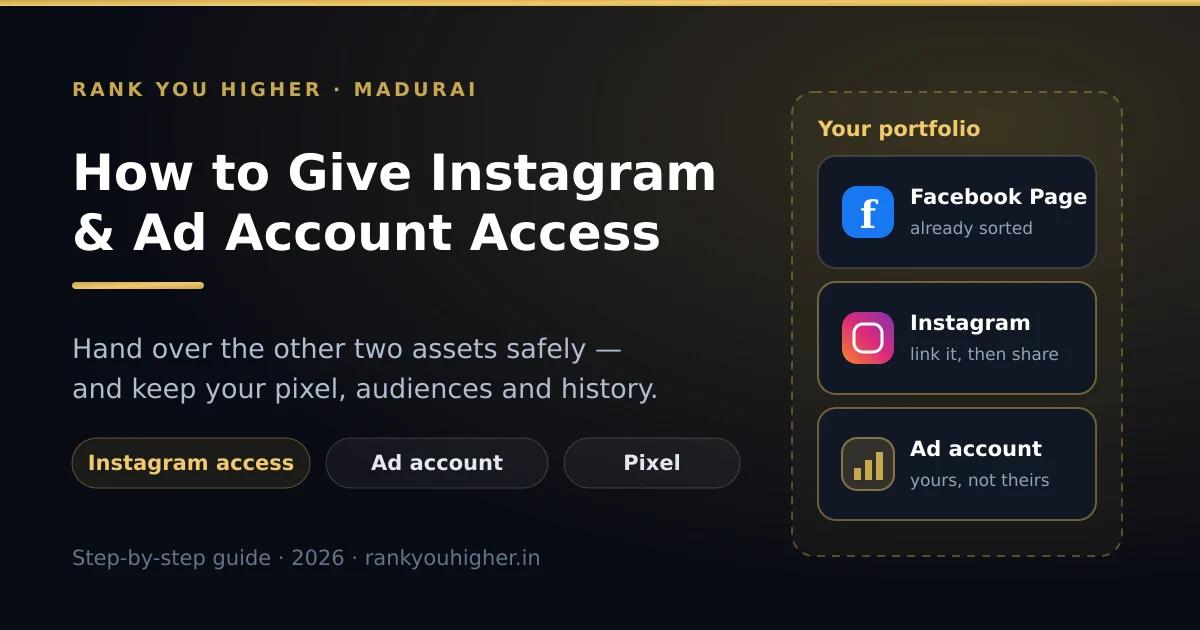
Giving away your Facebook Page access is the easy half. The two that actually cost you money when they go wrong are your Instagram account and your ad account — because that is where your budget, your pixel and years of audience data sit.
This is the companion to our guide on how to give Facebook Page access to someone. Same rule applies here: nobody needs your password.
Three assets, three separate doors
This is where people get stuck. Adding someone to your Page does not give them your Instagram, and it does not give them your ad account. Each one is shared on its own screen.
Part 1: sharing your Instagram account
Two things have to be true before you can share it. Your Instagram must be a professional account (Settings and privacy → Account type and tools → switch to professional — it is free), and it must be sitting inside your business portfolio.
Part 2: sharing your ad account
Your ad account is attached to your payment method. Treat it like the cash counter. Meta lets you hand out three sensible levels.
| Level | What they can do | Give it to |
|---|---|---|
| Full control | Everything, including payment methods, spending limits and adding other people | You, and nobody else |
| Manage campaigns (Advertiser) | Create, edit, pause and report on campaigns using your payment method | Your agency, your ads freelancer |
| View performance (Analyst) | Look at results and download reports. Cannot change or spend anything | A partner, an accountant, a curious relative |
The steps: Business settings → Ad accounts, select the ad account, click Add people, pick the person, choose manage campaigns, save. An agency should come in through Partners instead, using their Business ID.
The pixel is the part everyone forgets
Your pixel — Meta now calls it a dataset — is the small piece of code on your website that records who visited, who called, who booked. It is a separate asset with its own sharing screen: Business settings → Data sources → Datasets.
Two years of pixel data is genuinely valuable. It is what lets Meta find more people like your existing customers, and it is why an old ad account usually outperforms a fresh one. Share it with your agency. Never give it away.
Back to the hotel
Same fourteen-room hotel near the temple from the Page guide. Here is the full picture once all three assets are shared properly.
| Asset | Front desk staff | Your agency |
|---|---|---|
| Facebook Page | Partial control, messages only | Partner access, content and ads |
| Reply to comments and DMs | Partner access, content and ads | |
| Ad account | No access | Manage campaigns |
| Pixel / dataset | No access | View and use, never own |
Five minutes of setup. And when the agency contract ends, you remove one partner and every asset is still yours, with the data intact.
Removing access, and checking who has it
- A person: Business settings → People → click their name → Remove. Or remove them from a single asset only.
- An agency: Business settings → Partners → click them → Remove. Everything goes at once.
- Twice a year, open People and Partners and read both lists out loud. Anyone you cannot name, remove.
- Check your card too. Billing → Payment settings. Old agencies sometimes leave their own card on your account, which quietly makes them the owner of the spend.
When it will not work
- "This Instagram account is already linked to another portfolio." An old agency still has it. They must remove it from their side, or you claim it back through Meta support.
- You cannot see Add people on the ad account. You have partial access, not full control, on that ad account.
- Instagram asks for a login code. Keep your phone next to you while linking — the code goes to the number on the Instagram account, not to the agency.
- The ad account is disabled. Sharing will not fix it. Sort the billing or policy issue first, then share.
Frequently asked questions
How do I give someone access to my Instagram account without my password?
Link your Instagram professional account to your business portfolio in Business settings under Accounts, then click Add people and choose their permissions. The person signs in with their own Meta account and never sees your Instagram password.
Do I need a business account to share Instagram access?
Yes. Instagram access can only be shared from a professional account, which means a business or creator account. Switching is free: Settings and privacy, then Account type and tools, then switch to professional.
Does giving Facebook Page access also give Instagram access?
No. The Page, the Instagram account and the ad account are three separate assets with three separate sharing screens. Sharing one does not share the others, even when they are linked to each other.
What access level should I give my agency on my ad account?
Manage campaigns, previously called Advertiser. That lets them build, edit, pause and report on campaigns using your payment method, without being able to change billing or add other people. Keep full control for yourself.
What is a Meta pixel or dataset, and should I share it?
A pixel, now called a dataset, is the code on your website that records visits and enquiries. Share it with your agency from Business settings under Data sources so your ads can use it, but keep it inside your own portfolio so the data stays yours.
Should my agency run ads from their ad account or mine?
Yours. If ads run from the agency's ad account, the campaign history, audiences and pixel learning stay with the agency when you leave, and your next agency starts from zero. Ads should run from your ad account, with your pixel and your payment method.
How do I remove an agency from my Instagram and ad account?
Go to Business settings, click Partners, select the agency and click Remove. That removes their access to every asset you shared at once, including the Page, Instagram account, ad account and pixel. Access ends immediately.
My Instagram is linked to an old agency's account. What do I do?
Ask them to remove it from their business portfolio, which takes them thirty seconds. If they refuse or cannot be reached, you can claim the account through Meta support by proving you own the business.
Not sure who currently has access to yours?
Related reading: how to give Facebook Page access to someone, Instagram Reels marketing for Madurai businesses, and our pages for hotels, clinics and real estate.